








Fiti app: how to use the EGR GYM members' app in Carpina
Workout of the day, class schedule, check-in, fitness assessment and plan: see how to download, log in to and use Fiti, the EGR GYM members' app.

Fiti is the members' app of EGR GYM, a gym in Carpina, Pernambuco (Brazil). Free for iPhone (App Store) and Android (Google Play), it brings together your workout of the day with exercises, loads and reps, the class schedule with check-in and spot booking, your fitness assessment and progress, as well as plans, due dates and renewal. To log in, just use the account details from your enrollment.
With the app, your gym routine is organized in the palm of your hand: you arrive knowing what you are going to train, secure your spot in group classes and track your own progress. In this guide, we explain how to download it, how to log in and what you can do with Fiti.
What is the Fiti app?
Fiti is the training app used by EGR GYM members. It is part of the EVO system, the same one used for online enrollment, which is why you log in with the account you already have at the gym. There is no need to create a separate account.
In practice, the app brings four areas of a member's daily routine together in one place: training, classes, assessment and plan. Each one is detailed below.
How do you download and log in to Fiti?
Logging in for the first time takes just a few steps:
- Step 1: download Fiti. The app is available for free on the App Store, for iPhone, and on Google Play, for Android.
- Step 2: find EGR GYM. Log in with your gym account details. It is the same account from your enrollment.
- Step 3: train with the app. See your workout of the day, book classes, check in and track your fitness assessment.
Not a member yet? Enroll first: the step-by-step guide to enrolling at EGR GYM explains each stage, from sign-up to your first workout.
What can you do in the members' app?
Workout of the day
Fiti shows your workout of the day with exercises, loads and reps. That way, you arrive at the gym knowing what to do in each session.
Class schedule, check-in and spot booking
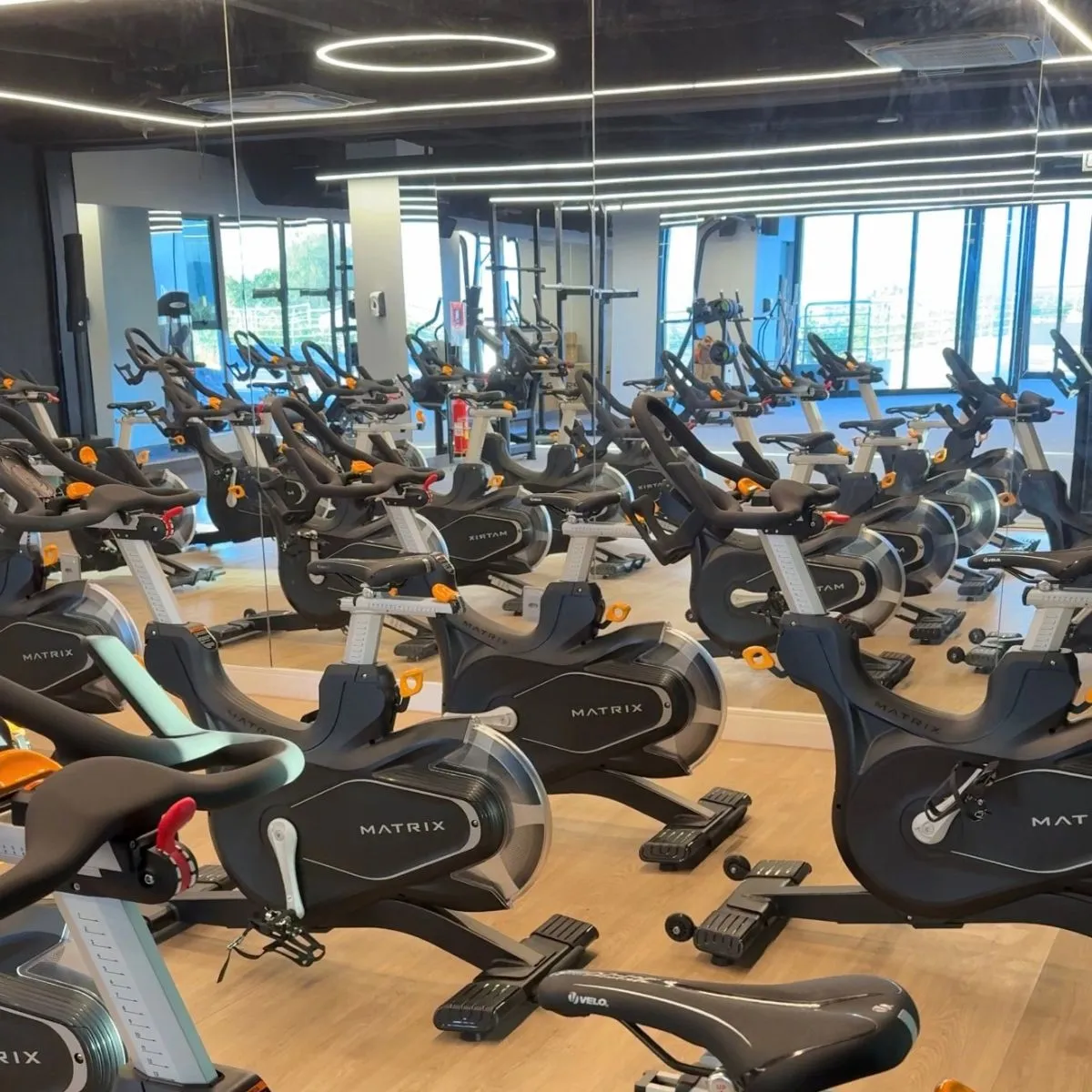
In the app, you can check the class schedule, book your spot and check in. This feature is especially useful for those who take part in the gym's eight group training programs, such as Target Zone Spinning, Balance Center and Power Fit. Discover them all on the training programs page or in the guide to group classes at EGR GYM.
Fitness assessment and progress
The app also holds your fitness assessment and lets you track your progress over time. This tracking ties in with the care EGR GYM provides from the start of your journey, with the Quality of Life Assessment, as we explain in the article on 360º Care at EGR GYM.
Plans, due dates and renewal
In Fiti, members can also check their plan and due dates and renew directly in the app.
What if I can't log in to the app?
Access to Fiti uses the account created at the gym. If you can't log in, contact the front desk on EGR GYM's WhatsApp.
More information is available on the Members' app page. If you are not yet part of EGR GYM, sign up now and start training with the app in your pocket.
Frequently asked questions
Is the Fiti app free?
Yes. Fiti is available for free on the App Store, for iPhone, and on Google Play, for Android.
Do I need to create an account to use Fiti?
No. To log in, use your EGR GYM account details, the same ones from your enrollment.
Can I book group classes through the app?
Yes. In Fiti, members can check the class schedule, book their spot and check in.
What should I do if I can't log in to the app?
Contact the EGR GYM front desk on WhatsApp at (81) 98639-3210.
What is the app for EGR GYM in Carpina?
The EGR GYM members' app is Fiti. The gym is located at Av. Pres. Getúlio Vargas, 923 (Rua dos Tamarindos), Santa Cruz, Carpina - PE.


